
Arrow Functions in JavaScript :
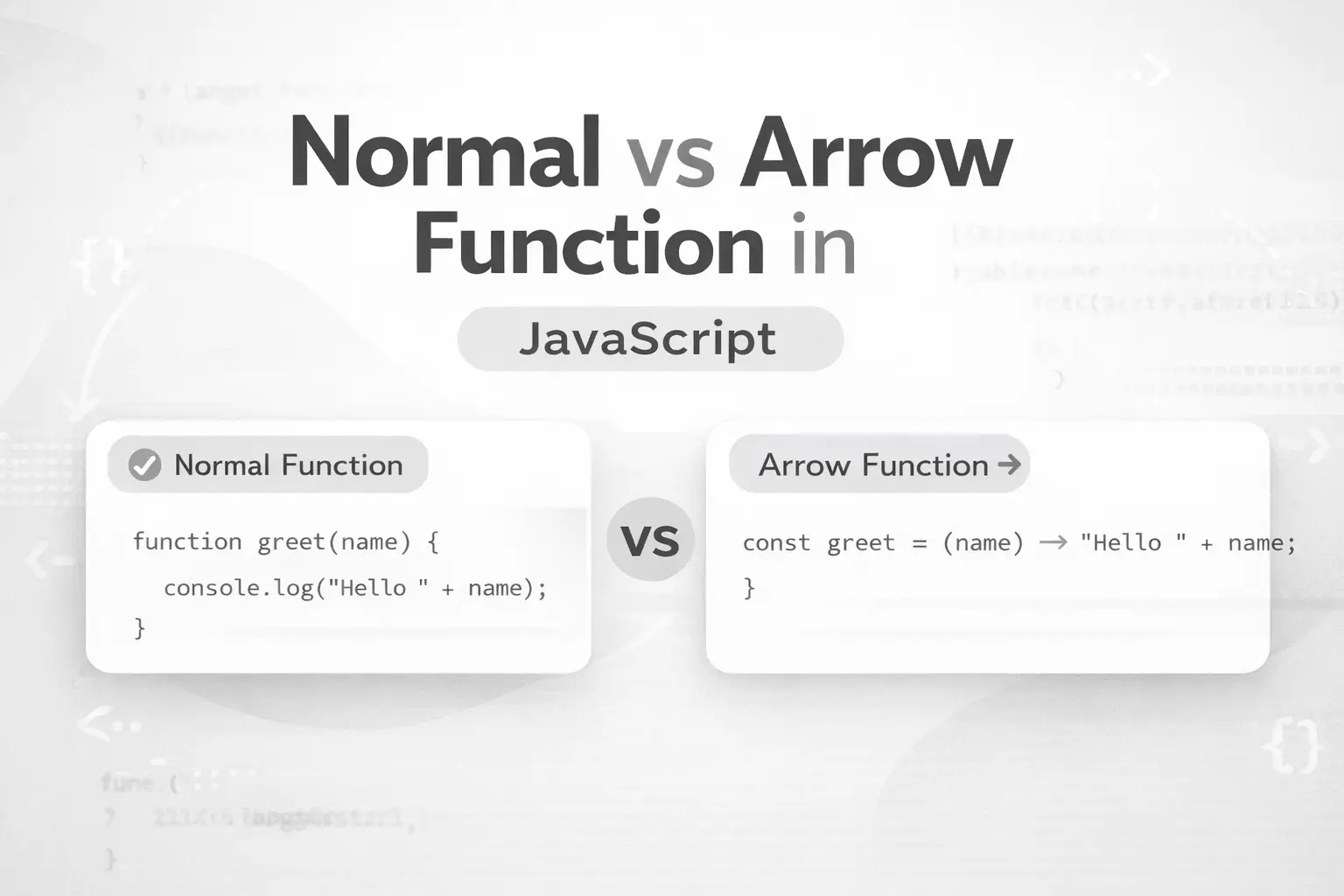
Introduction:
Regular Function :
function add(a, b){
    return `The sum is ${a+b}.`
}

console.log(add(3,5));
Output :
The sum is 8.
Arrow Function :
const addInArrow = (a,b) => {
    return a+b ;
}

console.log(addInArrow(2,3));
Output :
5
Arrow function is one of the method from which you can define your function . It is used to minimize the verbosity of code and make code cleaner . It mean that it is a syntactic sugar having it's own pros and cons (
this,arguments,newetc).
Syntax :
const arrow = (param) => { return }
Arrow function with no parameter :
const sayHello = () => "hello"

console.log(sayHello());
Now, there will be a question in your mind that why we didn't use return keyword ?
To answer this question let us study the type of return :
Implicit return Function : The functions in which u don't write return .
Explicit return Function : The functions in which you write return keyword .
JavaScript provides the feature that we don't need to write return keyword again and again. There are some other methods also exist from which we can do the same thing as done above . These methods are known as implicit return method .
const sayHello = () => ("hello")

console.log(sayHello());
From this method you can return multiple lines.
const sayHello = () => {
    return "hello"
}

console.log(sayHello());
NOTE : In this syntax , u have to write return keyword else the variable didn't return anything and your output will be undefined .
Arrow function with one parameter :
const learnLang = (lang) => `I want to learn ${lang}`

console.log(learnLang("JavaScript"));
Output :
I want to learn JavaScript
Difference between Regular and Arrow Function :
| Features | Arrow Function | Normal Function |
|---|---|---|
| Syntax | const add = ( ) => { } | function add( ) { } |
| "this" keyword | Parent reference | own reference |
| Implicit return | yes | no |
| Hoisting | yes, TDZ (temporal dead zone if variable name defined with let / const ) | yes fully hoisted |
| Call before declaration | Reference Error | Possible |
| Object arguments | no , and if yes then it's of parents | yes |
eg : Hoisting in case of normal function
sayHello(); // Works

function sayHello(){
  console.log("Hello");
}
Arrow function :
sayHello(); // Reference Error

const sayHello = () => {
  console.log("Hello");
};
Behaviour of 'this' keyword :
const person = {
  name: "Radhika",
  normalFunc: function(){
    console.log(this.name);
  },
  arrowFunc: () => {
    console.log(this.name);
  }
};

person.normalFunc(); // Radhika
person.arrowFunc(); // undefined
Arguments Object:
Normal function :
function test(){
  console.log(arguments);
}
As output , we get node object. If we run this code on browser then we will get a window object .
Arrow Function :
const test = () => {
  console.log(arguments); // Error
}
Uses of Arrow Function :
- Array method
const numbers = [1, 2, 3, 4];

const squares = numbers.map(num => num * num);

console.log(squares);

console.log(numbers);
Here map is HOF ( High Order Function => which either take function as a parameter or returns it ) which take function as a callback and return a new array without mutating the original one .
2. Callback Functions
setTimeout(() => {
  console.log("Hello after 2 seconds");
}, 2000);
When NOT to use Arrow Functions :
Example:
Object methods
Constructors
When you need
arguments
So, this is all about arrow function . It's totally your choice weather you want to use arrow function or a regular function according to the context .Thank you for reading this blog . I am open to feedback .


